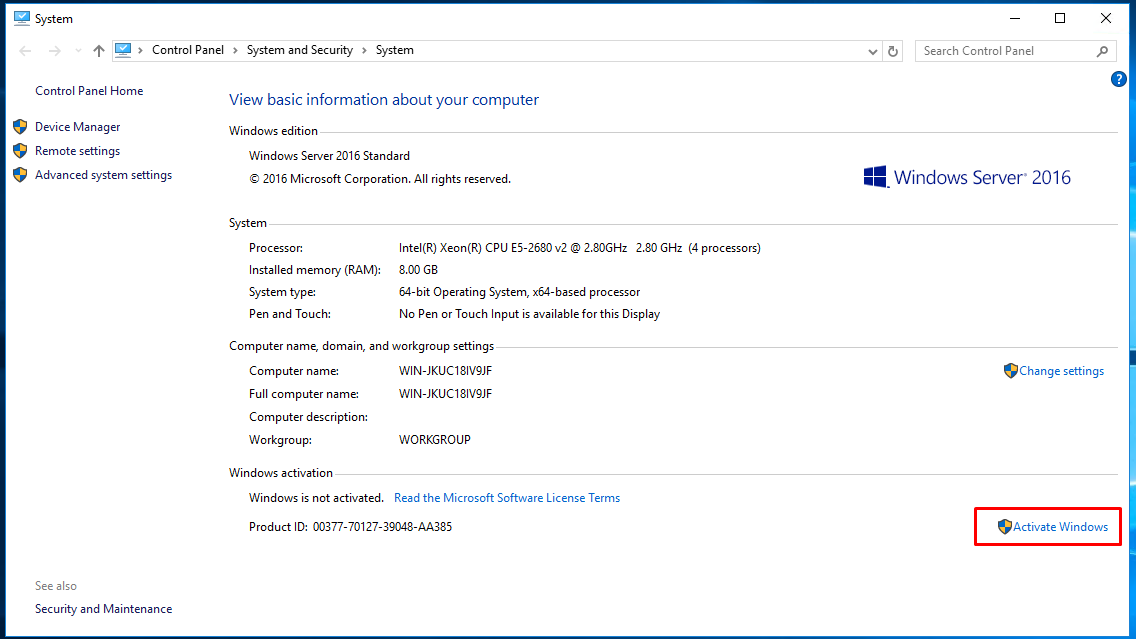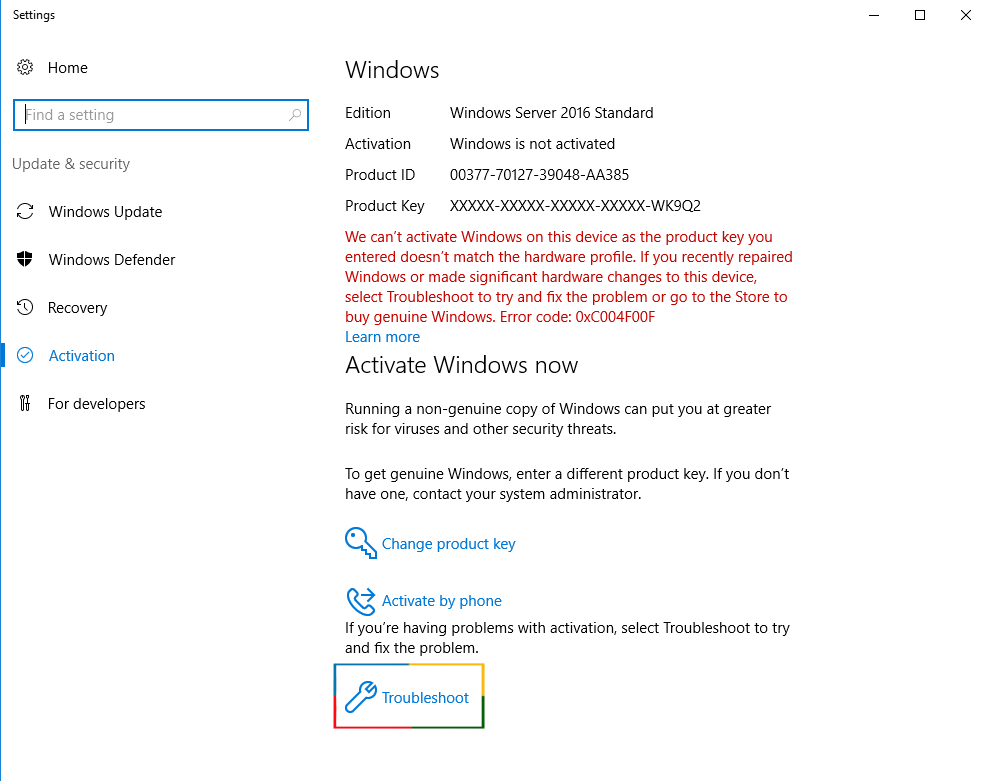
First login to your FireVPS client area Now go to “Services” to check your active services. Then select the service for which you want to change the country/location. Click on the Upgrade/Downgrade options. By default, you will see something like...
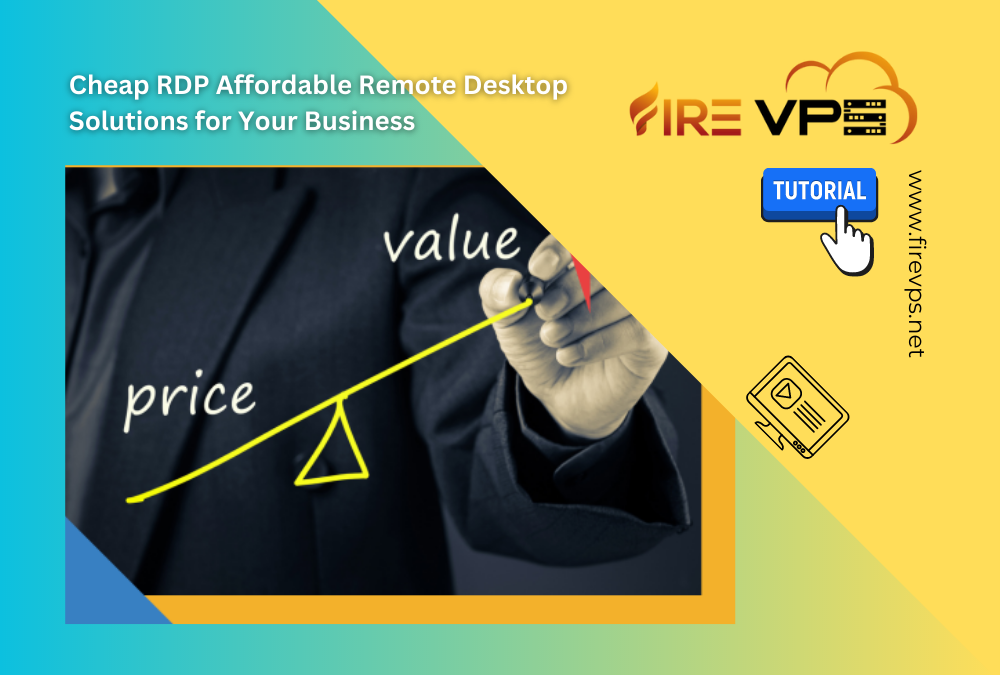
Cheap RDP – Affordable Remote Desktop Solutions for Your Business
Cheap RDP – Affordable Remote Desktop Solutions for Your Business
Introduction
Remote Desktop Protocol (RDP) has quietly become one of the most practical tools for businesses that need remote access without spending a fortune on infrastructure. Below, we will walk through why RDP makes sense for cost-conscious teams and what to look for when picking an affordable provider.
Advantages of Using Cheap RDP for Businesses
Increased Productivity and Efficiency
With RDP, employees can log into their work desktop from anywhere, like home, a client site, or another country, and pick up exactly where they left off. That kind of flexibility makes it much easier for distributed teams to stay in sync and get things done together, rather than working around each other’s schedules.
Improved Security and Data Protection
A good RDP setup encrypts the connection between the user and the remote desktop, so sensitive company data isn’t just floating around on an unsecured network. For businesses handling client information or financial records, encryption is one of the simpler ways to cut down on the risk of a breach.
Cost Savings Compared to Traditional IT Solutions
Maybe the biggest draw, though, is the price tag. Instead of buying and maintaining expensive servers in-house, businesses can rent the computing power they need and skip the big upfront investment entirely.
Factors to Consider When Choosing a Cheap RDP Solution
Reliability and Uptime
Not all providers are equally dependable, so it is worth checking uptime numbers before committing. A cheap RDP plan is not much of a bargain if your team keeps losing access at the worst possible moment.
Customer Support and Technical Assistance
Pay attention to how responsive support actually is, not just what the sales page promises. When something breaks, fast technical help means less downtime and less disruption to your team.
Compatibility with Different Devices and Operating Systems
Your team probably is not all using the same hardware, so look for an RDP solution that works just as well on a laptop as it does on a tablet or phone, and across whatever mix of operating systems your staff happens to use.
Top Affordable RDP Solutions for Businesses
There are several affordable RDP providers on the market, and FireVPS is one option worth considering, especially if the factors above—reliable uptime, responsive support, and broad device compatibility—matter to your team.
Tips for Optimizing Your RDP Experience
A few small habits make a noticeable difference once you’re up and running:
- Lock down your connection. Use strong, unique passwords, turn on two-factor authentication, and consider running through a VPN for an extra layer of protection.
- Tune it for speed. A stable network connection matters more than people expect. Turning off unnecessary visual effects and adjusting your display settings can also make sessions feel noticeably snappier.
- Keep your client updated. RDP client updates usually bring performance fixes and security patches, so it’s worth not putting them off.
Troubleshooting Common Issues
Most RDP headaches come down to a handful of usual suspects—connectivity drops or sluggish performance being the two most common. Before assuming the worst, it’s usually worth checking your firewall settings or adjusting bandwidth allocation; that resolves the issue more often than you’d think.
Conclusion
FireVPS offers an affordable way for businesses to get effective remote desktop access without the high price tag often attached to traditional IT solutions. Used well, RDP can genuinely improve how a team works—better collaboration, tighter security, and real savings over building out infrastructure in-house. Keep the factors above in mind when picking a provider, put the optimization tips to use, and remote access becomes one less thing to worry about.
Need Domain Name?
85% Promo on Domain Names
Dedicated RDP
Poland RDP 50% recurring discount!
Recent Post
How to change the country for the RDP?
How to add an extra IP to an existing RDP?
First login to your FireVPS client area Now go to “Services” to check your active services. Then select the service to which you want to add the extra IP. Click on the Upgrade/Downgrade options. By default, you will see something like this on the...
How to add extra SSD to an existing RDP?
First login to your FireVPS client area Go to “My Services” to check the available services. Then select the service to which you want to add the extra SSD. Click on the Upgrade/Downgrade options. By default, you will see something like this on...
How to UPGRADE an existing RDP?
First login to your FireVPS client area Now go to “Services” to check your active services. Then select the service for which you want to you want to upgrade the OS. If you want to change the product plan/package, like from 2 GB to 4 GB or from 4 GB...