

















Cheap Ryzen VPS Plans & Pricing
Choose Ryzen VPS Plans with NVMe SSD and Full Root Access - Compare features, resources, and pricing for our high-performance Ryzen VPS hosting

Have any confusion or questions? Read some of the most common questions we get from our customers (FAQ).
Why Buy Ryzen VPS Hosting from FireVPS
Powerful Cheap Ryzen VPS - It's Affordable!
Built on AMD Ryzen processors, our Ryzen VPS provides superior processing power and speed.
NVMe SSD VPS – 10x Faster Ryzen Server!
Experience lightning-fast data access speeds with NVMe VPS Server, which is up to 10 times faster than traditional SATA SSDs.
Unlimited Bandwidth VPS - No Restrictions!
Our Ryzen VPS plans come with unlimited bandwidth, allowing your website or application to handle high traffic.
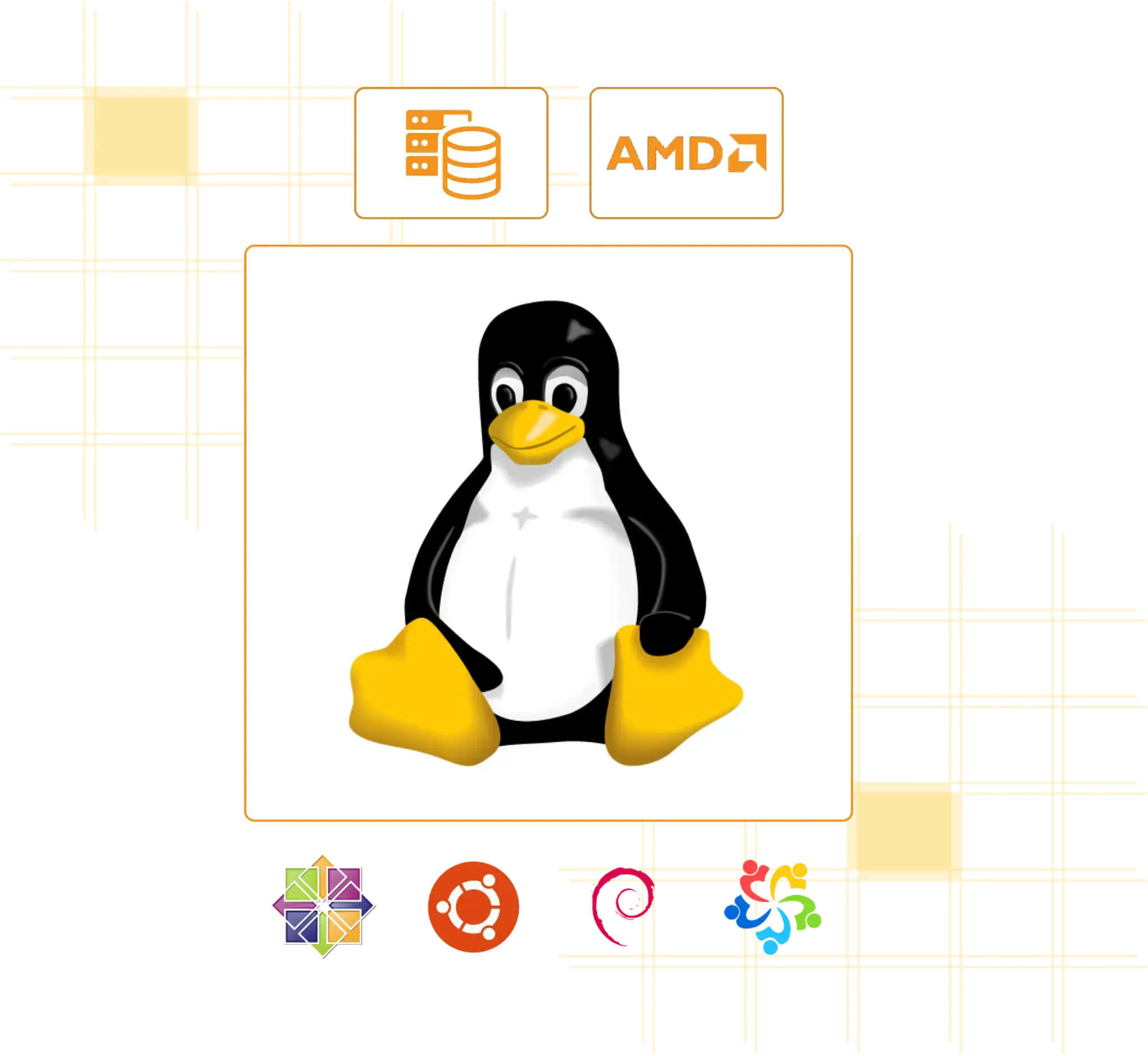
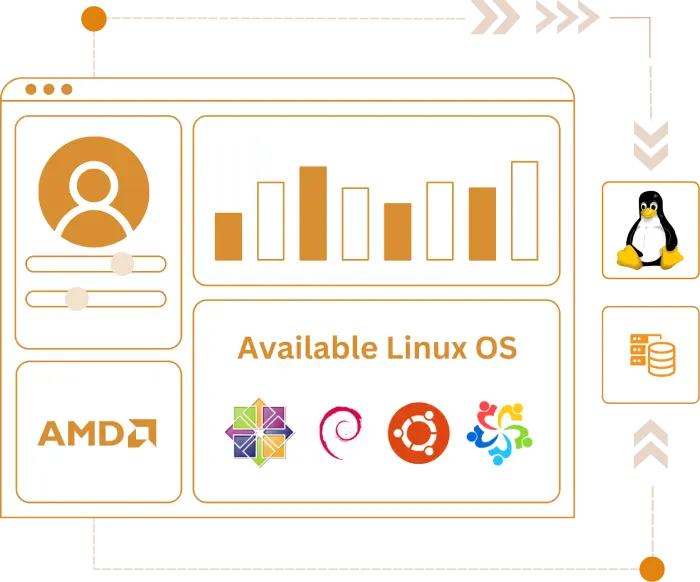
Best Linux VPS Hosting with Diverse OS
Our cheap Ryzen VPS hosting offers a wide range of operating systems to suit your needs, whether you're looking for a Debian VPS, Ubuntu VPS, or other popular distributions.
Choose our cheap VPS server for reliable VPS hosting with all major Linux distributions. If you need VPS for hosting or VPS for website, we offer high-quality, low-cost VPS server solutions that deliver premium resources on a virtual server VPS platform.
- Pre-Installed OS of Your Choice
- Full Root Access
- Latency-Free Connectivity
- Clean & Dedicated IP Address




Ryzen VPS Features
With AMD Ryzen VPS, You Got Just About Everything!

Cheap Ryzen VPS with High Performance
Get high-speed processing with AMD Ryzen CPUs in our cheap VPS, ideal for demanding tasks.

Affordable VPS Ryzen Hosting for All Needs
Enjoy affordable VPS hosting with powerful features, perfect for developers and business.

Low-Cost Ryzen Server with Enhanced Security
Experience a low-cost VPS server with top-tier security through KVM virtualization.

Cheap Ryzen VPS for Developers
Our cheap Linux VPS is optimized for developers and businesses who need high-performance hosting.

Ryzen Server Hosting with Dedicated Resources
Get the benefits of dedicated resources and stability with cheap KVM VPS.

Buy Cheap VPS with NVMe SSD Storage
Buy cheap VPS hosting with up to 10x faster NVMe SSD storage, perfect for fast data retrieval.

Full Root Access on Ryzen VPS Server
Gain complete control with full root access, allowing you to customize your cheap Linux VPS.

Unlimited Bandwidth VPS Hosting
Enjoy unlimited bandwidth with our Ryzen VPS plans, enabling high traffic without additional costs.

1Gbps Premium Network for Fast VPS Server
Experience blazing-fast 1Gbps premium network, ensuring a smooth experience with Ryzen VPS.
How do I access my Ryzen VPS?
 To establish a secure connection between your Windows computer and a remote system (e.g. as Ryzen Linux VPS), Putty is the best SSH client program for Windows.
You can easily download Putty and connect your Ryzen VPS using VPS IP Address and Root Password.
 You may easily establish a remote connection to a Linux server using the Mac's built-in Terminal.
- In the Terminal app on your Mac, choose Shell > New Remote Connection.
- Select a protocol in the Service list.
- Select a shared server in the Server list.
- In the User field, enter a user name, then click Connect.
If you know the server’s IP address, you can enter it directly in the address field at the bottom of the window.
 An SSH client is already included in many Linux distributions. To connect to your Linux server, all you have to do is open a terminal window and type the command shown below.
username@ubuntu:~$ ssh root@x.x.x.x –p22
(put IP instead of x.x.x.x)
 You can even connect to a Linux VPS using your smartphone! You can connect to a remote server via SSH with a lot of Android [and even iOS] applications!
Use Cases of Ryzen Server Hosting
How Ryzen VPS Powers Your Demanding Workloads!
Website and Application Hosting
Numerous websites that you enjoy are housed on Linux servers. Buy a Linux virtual private server (VPS) from FireVPS to use the top content management systems and web hosting control panels on a quick, efficient, and always-available virtual private server. Linux distributions don’t use up a lot of your VPS’s resources, so you can store and manage the data for your website on it with ease.
Using as VPN & Proxy Server
It is advantageous to have a VPN connection between your computer and virtual server (VPS) since it improves your privacy by establishing an encrypted tunnel between the two. Although there are premium and free VPNs available, the most safe approach is to make your own personal VPN since no VPN service will have complete control over your data. The cost-effectiveness of owning your own VPN is another advantage. Your Linux VPS can be used to set up and run a private VPN. You can also share your private VPN with other users in this way.
Application Development and Testing
Developers typically choose to utilize Linux VPS for application and web app testing, aside from web/app hosting. Developers may test applications in an ideal environment with our Linux Ryzen VPS, making the most of the hardware resources available on a VPS that isn’t impacted by server outages.
Storing Files with Backup
Our Ryzen Linux VPS can be used as centralized file storage and sharing with a file server hosted on your VPS. You’ll have control over access permissions and can ensure data security. This cheap Linux hosting also effortlessly transfers large files, whether it’s web hosting backups or other sizable data, using your Linux as a reliable file transfer platform.
Media and Communication
Linux servers can be used to host media streaming platforms if you wish to distribute multimedia material on your terms. This frees you from depending on outside streaming services and gives you total control over your material. In the case of streaming, you need to buy premium bandwidth with our powerful Ryzen Linux VPS Server.
Collaborative Works
Teams can utilize Linux VPS as a hub for collaboration, enabling several people to collaborate on spreadsheets and documents at once. For distant teams or groups of people wishing to collaborate on file editing in real time, our affordable Linux VPS hosting offers the necessary foundation. Utilize project management software based on a Linux server to further maintain the structure and progress of your projects. Whether you’re in charge of a small team or a major project, you need to effectively allocate tasks, monitor progress, and fulfill deadlines.

Looking for Virtual Dedicated Server?
Get Your Own Dedicated Server Today!
FAQ
Frequently Asked Questions
What is Ryzen VPS?
Ryzen VPS is the most popular Linux VPS hosting solutions provided by FireVPS. The ‘VPS’ stands for Virtual Private Server. It’s a Linux Virtual Private Server hosted on a powerful AMD Ryzen machine. This high performance VPS offers unrivaled CPU power.
Is the IP address of my Ryzen VPS dedicated?
Not at all! Since each of our Linux VPS has a dedicated, static IP address, you will be the only user of the address while you are utilizing our services. That entails having total control over your online activity and privacy. It should be noted that, unlike with shared VPS hosting, you won’t suffer consequences if your neighbors break the rules.
Can I use Ryzen VPS to host my website?
One of the main use cases of Linux VPS is hosting websites and web applications due to its flexibility and reliability. We offer CentOS, Ubuntu, Debian, Almalinux and other popular linux distros. Buy Linux VPS hosting to host your websites and applications easily with your desired Linux OS.
Which payment methods are available?
FireVPS now accepts BTC/Bitcoin, Perfect Money, Airtm, M-PESA kenya etc. Buy Ryzen linux VPS with BTC and other cryptocurrencies.
Is port 25 open in your Ryzen VPS?
Port 25 is open in our Ryzen VPS. However, using port 25 for mass mailing is strictly prohibited. Please refer to our TOS for more information.
How to access Ryzen VPS from my Windows PC or Mac?
Since this service has no graphical user interface (GUI), you must connect over a remote protocol in order to run commands. Open SSH (Secure Shell) and superuser root access are included with Linux VPS accounts. Putty is the best SSH client program for Windows; it creates a secure connection between your Windows computer and a distant Linux system. If you connect using a Mac, you can connect remotely to Linux using Terminal.
Is it possible to upgrade the resources of my Ryzen VPS?
It is possible to upgrade the resources on your Linux VPS server and change the server location. Make contact with our support staff and let them know what you need.
Can I change my Ryzen Linux VPS operating system (OS)?
Yes, it’s possible to switch the operating system on your VPS. With our VPS management control panel, this is possible. All of the server’s data will be deleted after the OS is reinstalled, and you will get a fresh VPS running the new OS.
Do you offer VPS backup service?
Yes, Linux VPS backup service is available on demand. For an additional charge we backup your VPS automatically. Restoring option for the old backup is also available in your VPS control panel.
Does Linux VPS come with cPanel preinstalled?
cPanel is not preinstalled, but you can easily install cPanel on our cheap linux VPS hosting. Our support team is always ready to help you on this.
Do you offer VNC access with Ryzen Linux VPS?
Indeed. We do grant all of our Linux VPS hosting customers access to VNC. Entering the client area and navigating to the VPS management control panel will grant you access to it. You can use VNC to access your server from this point on.
Which SSH Clients are supported with Ryzen VPS?
All SSH clients are supported. Most commonly Putty and BitviseSSH are used. As for GUI, it doesn’t come with GUI. It comes with CLI. You can install the GUI yourself. It is an easy process.
Not the Right Fit?
Explore More Solutions!
Windows RDP
Powerful Windows RDP VPS
Admin RDP
Powerful Admin RDP VPS
10Gbps RDP
10Gbps Network based RDP
Business Email
A Simpe Email Hosting
From Our Blog
Helpful Articles & Guides
Learn more about VPS hosting, server setup, and performance tips